Platform Features

Built for simplicity.
Designed to scale.

Every feature in Zigns is crafted to reduce complexity and give you more control over your screens — without the enterprise price tag.
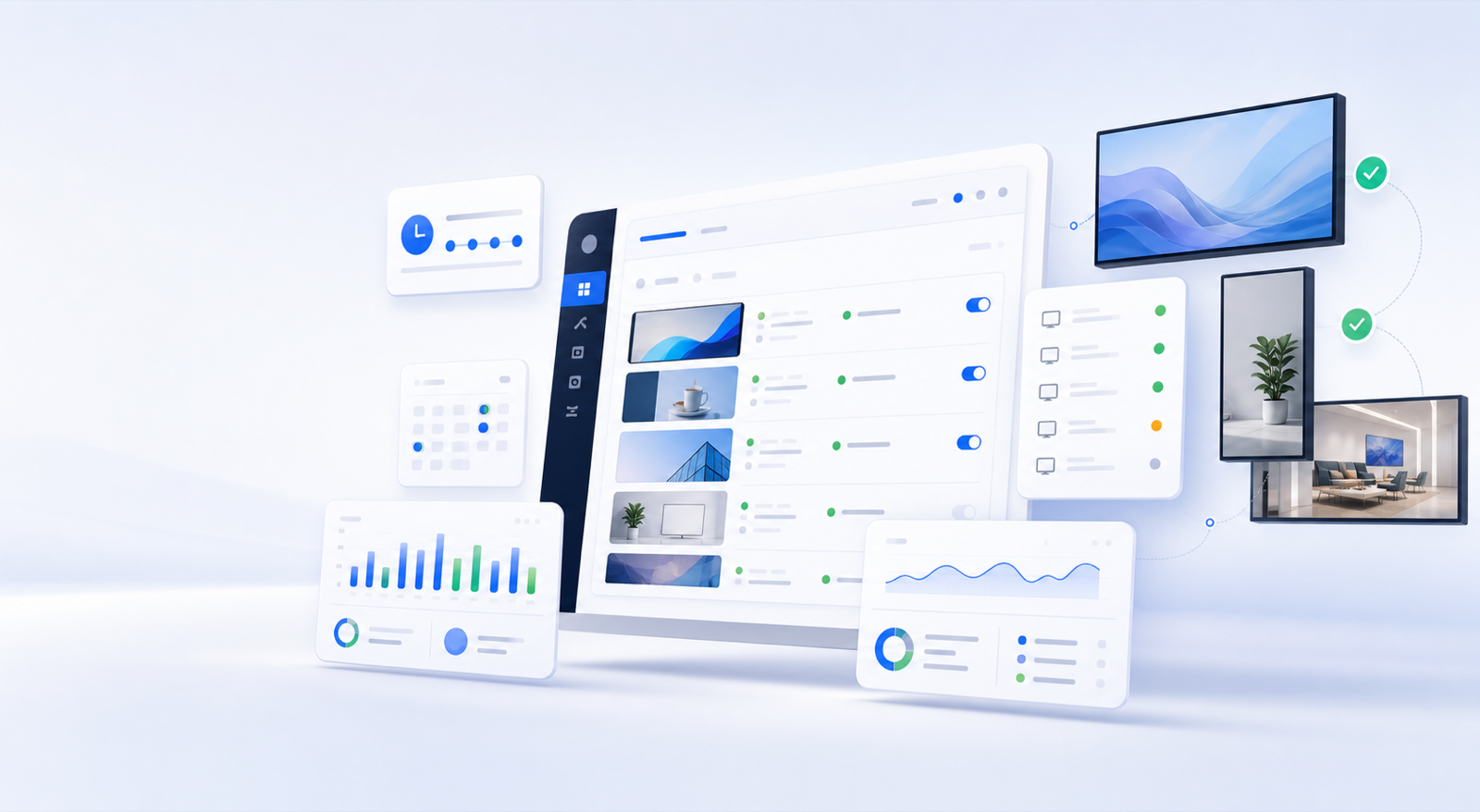
Zigns dashboard managing schedules, playlists, analytics, and screen status across multiple displays

Your hardware.
Our software.

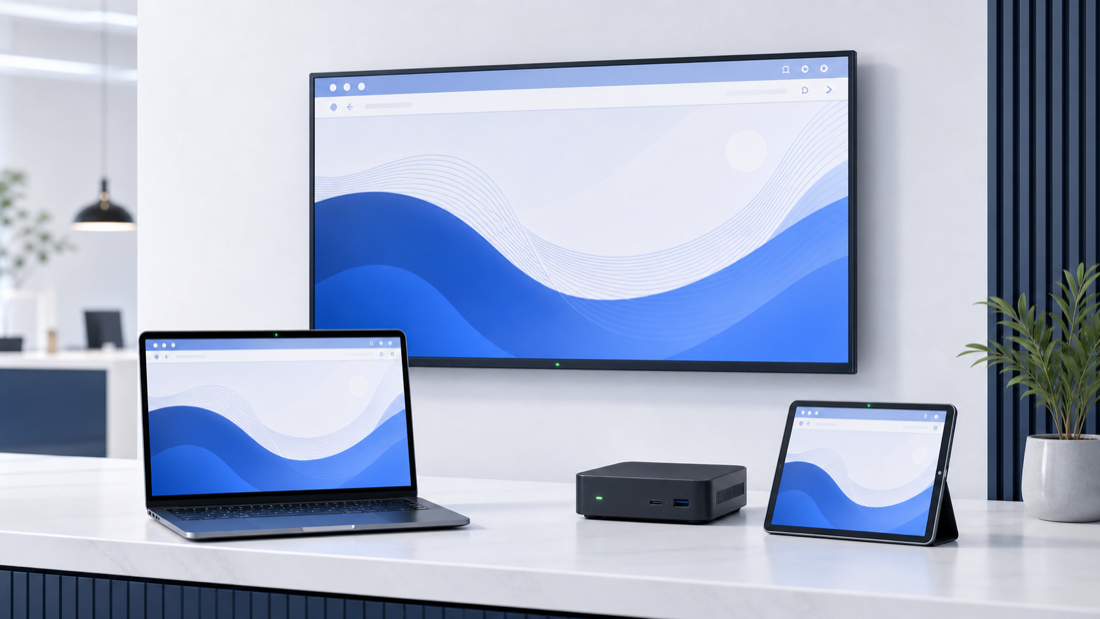
Unlike competitors who lock you into proprietary media players, Zigns works with virtually any screen you already own. Save thousands on hardware by using what you have.
  • Compatible with any HDMI display, smart TV, or monitor
  • Runs on Raspberry Pi, Fire Stick, Chrome OS, and more
  • Browser-based player — no app installation required
  • Automatic screen resolution detection and adaptation
  • Portrait and landscape orientation support
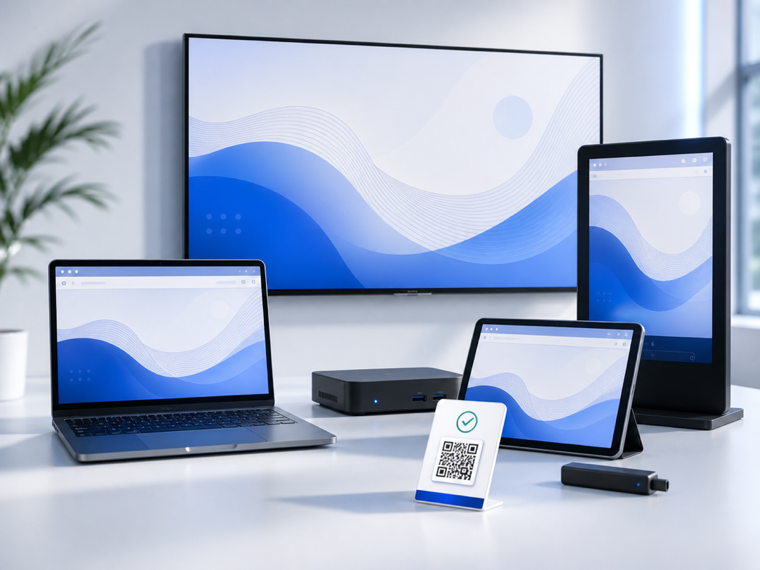
Multiple everyday business screens running the same browser-based signage player

One dashboard.
Every screen.

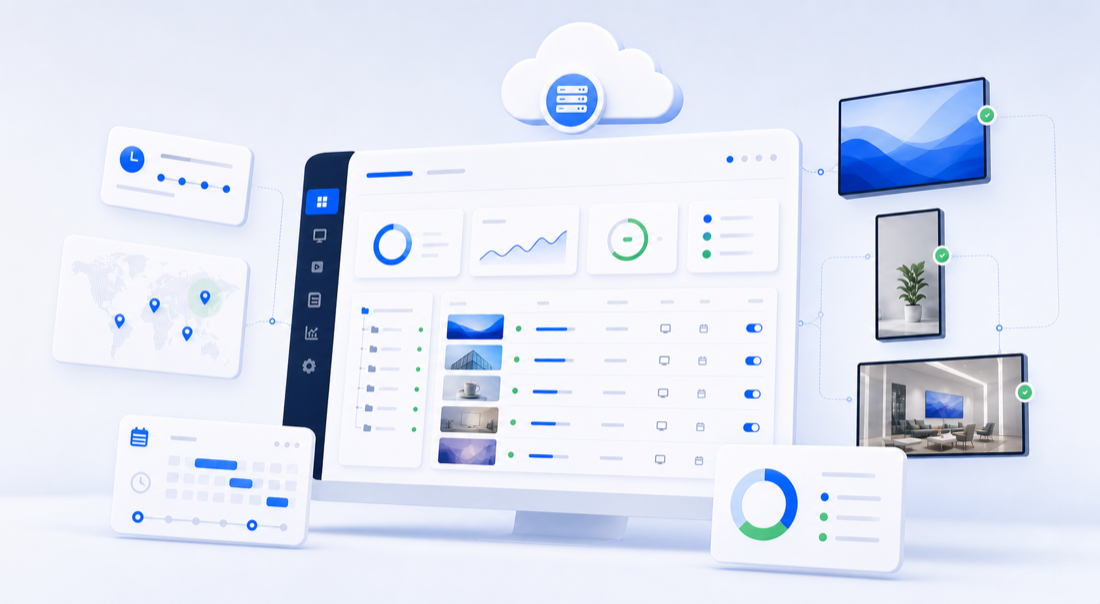
Manage your entire signage network from anywhere with an internet connection. Push content updates, schedule playlists, and monitor screen health in real time — all from a single, intuitive dashboard.
  • Real-time content publishing to any number of screens
  • Remote screen status monitoring and uptime alerts
  • Schedule content by time, date, or recurring rules
  • Group screens into zones for location-based control
  • Role-based access control for teams and franchises
  • 99.9% uptime with globally distributed infrastructure
Cloud dashboard managing signage schedules, locations, status, and analytics across screens

Design like a pro.
No designer needed.

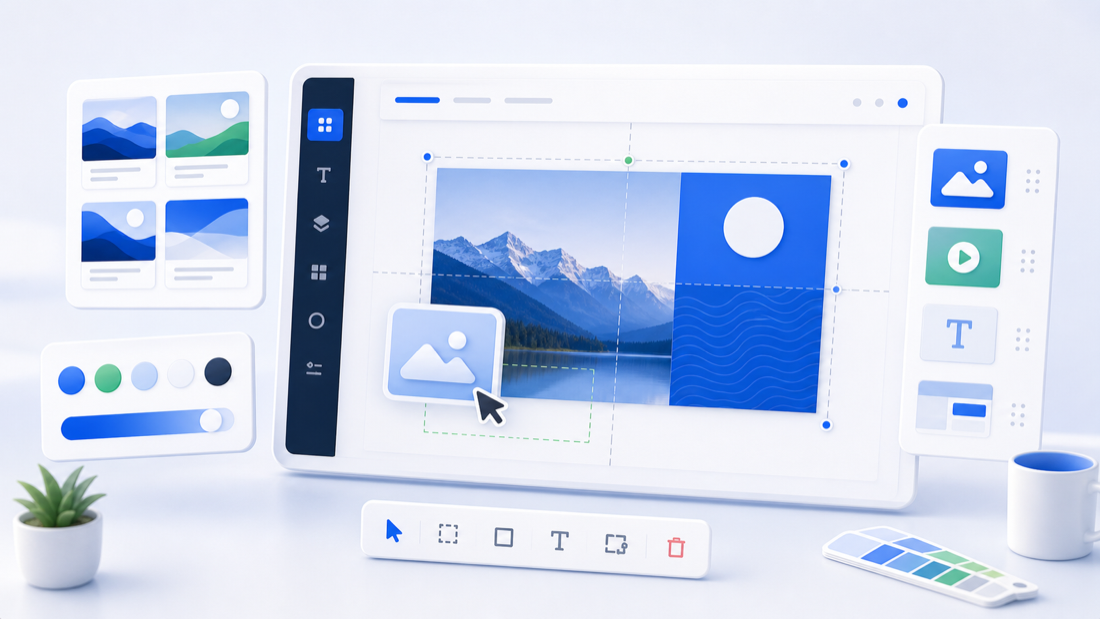
Our canvas-based slide editor lets anyone create beautiful, on-brand signage content in minutes. Start from a template or build from scratch — no graphic design experience required.
  • Intuitive drag-and-drop canvas with snap-to-grid
  • 100+ professionally designed templates to start from
  • Text, images, video, web embeds, and live data widgets
  • Brand kit: save your colors, fonts, and logos
  • Animated transitions between slides
  • Collaborative editing with your team
Signage canvas editor with templates, media blocks, color swatches, and snap guides

Practical controls
for real teams.

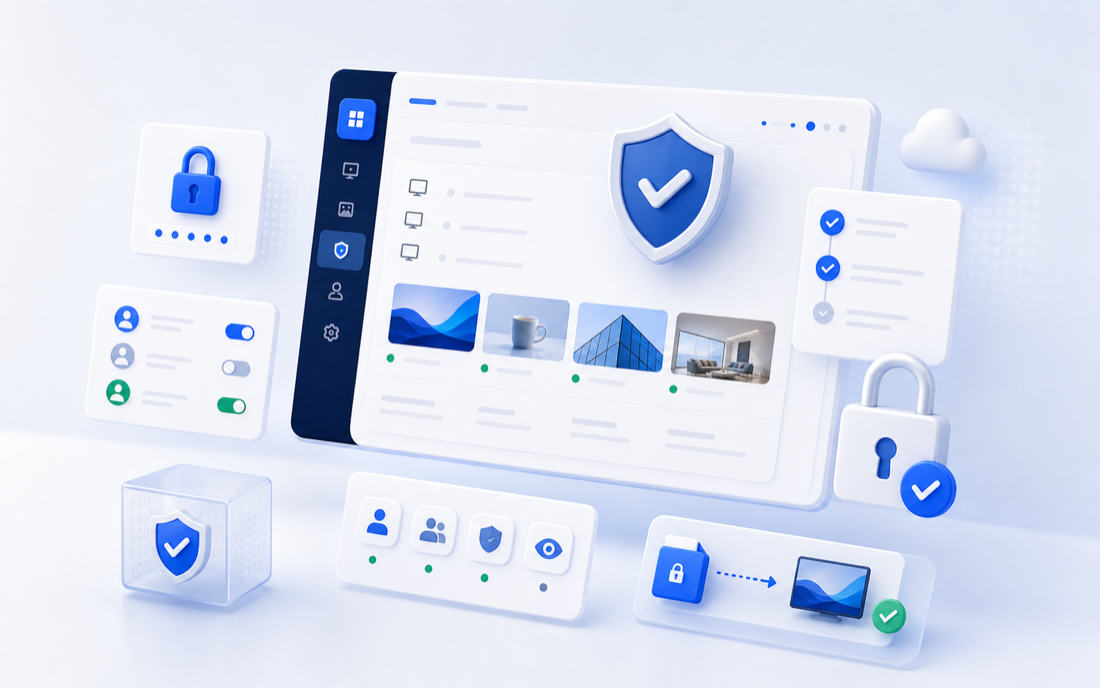
Zigns protects day-to-day publishing with organization-scoped accounts, role-based permissions, secure screen pairing, and approval workflows where teams need review before content goes live.
  • Admin, Editor, and Viewer roles for team access
  • Invitation-based team onboarding and organization scoping
  • Expiring pairing codes with hashed screen credentials
  • Credentialed screen tokens for player heartbeats and playback access
  • Approval workflow before Editors publish on eligible plans
  • Coming soon: SSO/SAML, SOC 2 readiness, full audit logs, and IP restrictions
Secure signage dashboard with access controls, audit status, and encrypted screen publishing

Every tool you need to succeed

From scheduling to analytics, Zigns covers the full lifecycle of your digital signage operation.

Smart Scheduling

Set it and forget it. Schedule content to display at exactly the right time, on the right screens, automatically.
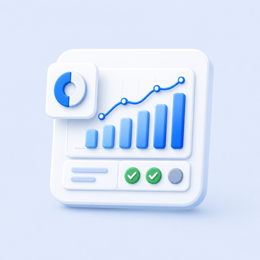
Analytics & Reporting

Understand what's running, when, and for how long. Proof-of-play logs keep you informed and accountable.
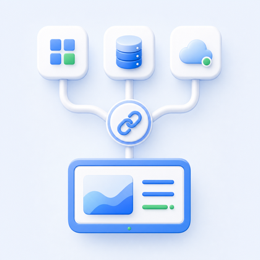
Integrations

Pull in live data from Google Sheets, RSS feeds, social media, weather APIs, and more to keep content fresh.
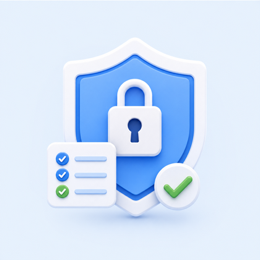
Access Controls

Roles, team invites, approval workflows, and credentialed screen pairing are available now. SSO, audit logs, and SOC 2 readiness are coming soon.
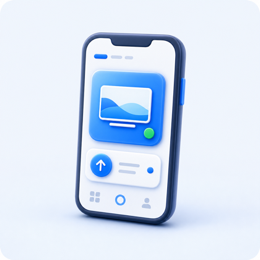
Mobile Management

Make emergency content changes from your phone. The Zigns mobile app gives you full control on the go.

Emergency Playlists

Mark approved slideshows as emergency-ready, trigger them by tag or across all screens, and review recent trigger history.

What teams gain once signage stops being fragile

Shared rollout patterns, visible governance, and support paths that keep the platform usable after launch.
Multiple business screens running the same signage preview from a browser-based player
Rollout Speed

Launch with the hardware you already own

Windows, Linux, Android, Chrome OS, Raspberry Pi, and browser-first playback reduce the need for special procurement.
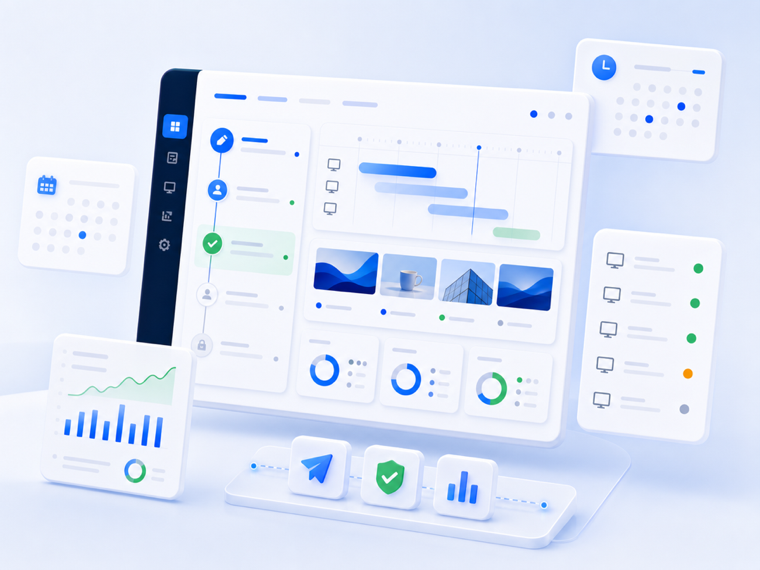
Zigns workflow dashboard showing approvals, scheduling, screen status, and proof-of-play analytics
Publishing Control

Keep approvals, scheduling, and proof-of-play visible

Operators can see what is approved, what is live, and what failed without juggling separate tools or undocumented process.
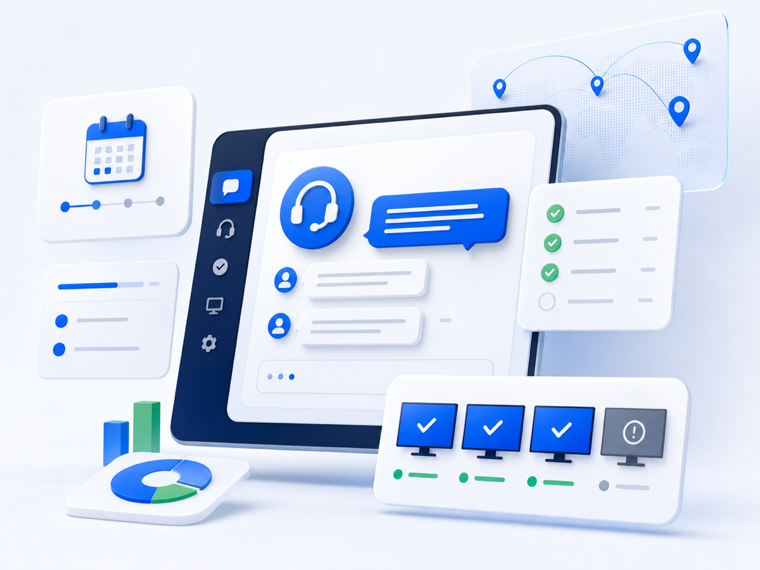
Support console with rollout checklist, chat, and screen health indicators
Support Coverage

Match support depth to the stage of the rollout

Starter stays simple, paid plans add guidance, and enterprise conversations cover procurement, security review, and rollout planning.